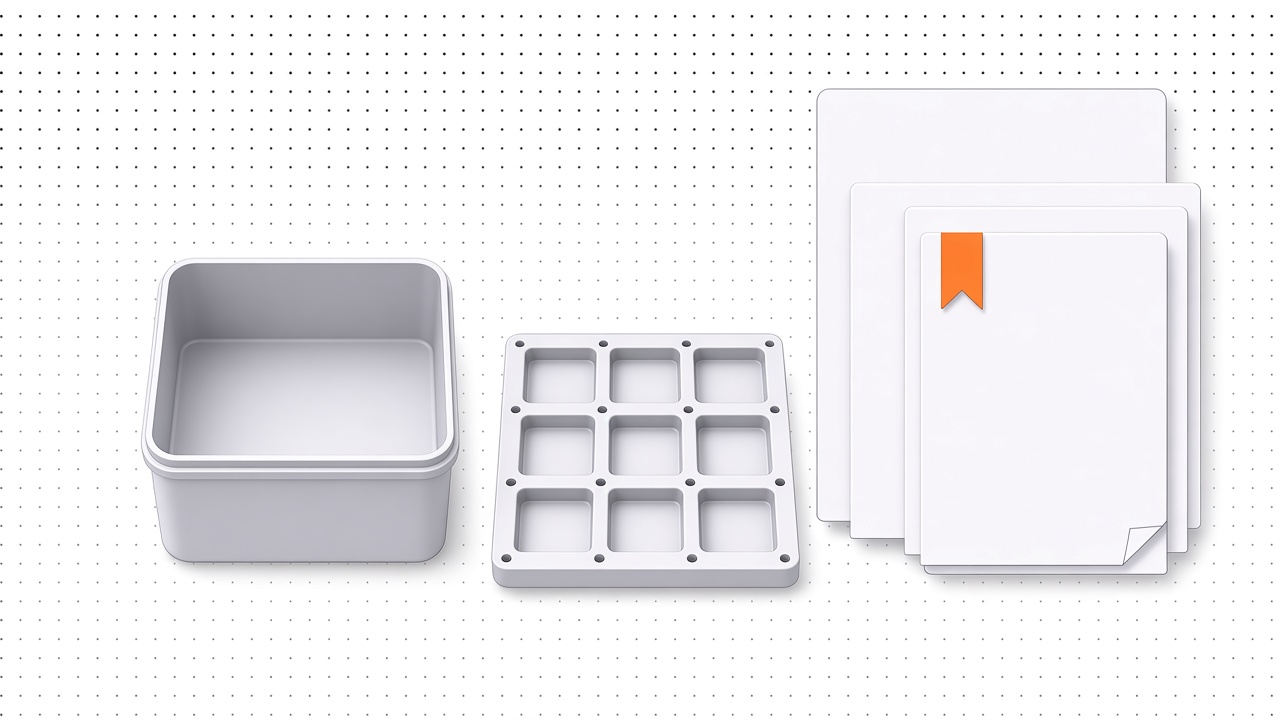
Saved Generators, Paper Defaults, and a New Sidebar
Save free baseplates and simple bins, set a default paper size for new traces, and navigate your projects from a new app sidebar.
✨ Features
- Three Downloads on SignupEvery new account starts with three project downloads, whether you stay free or buy a pack or Pro, and paid downloads add to those three. Existing accounts are unchanged.See plans →
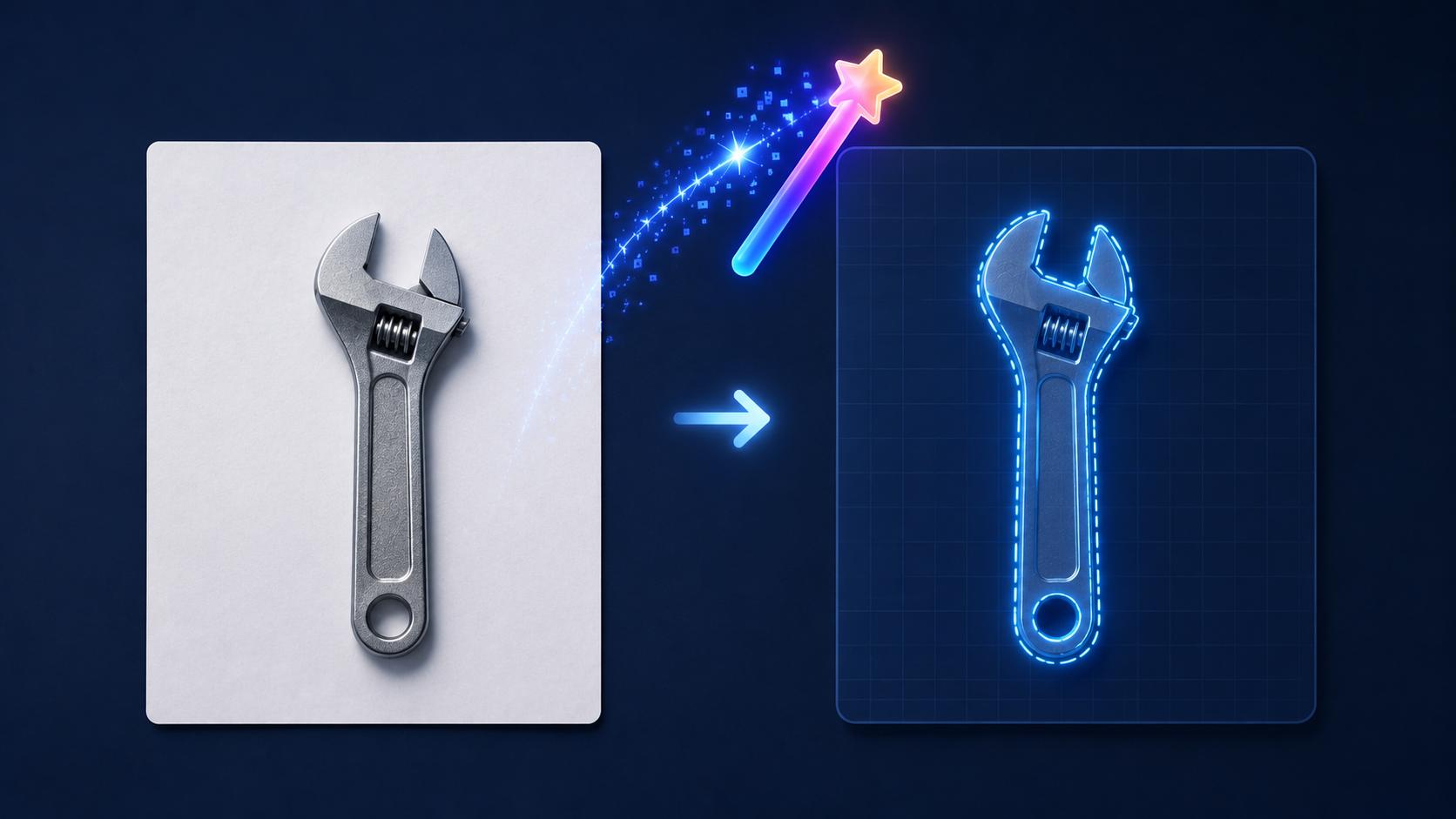
- Default Paper FormatSet A4, A5, or US Letter in your account so new traces use that size, and change it for any one project in the Detection tab.Set paper size →
- Saved BaseplatesCreate free baseplate projects from the sidebar and open each one in a workbench with a 3D preview and a configuration panel. Downloads never use a project download, and the public guide generator stays as it is.Open baseplates →
- Saved Simple BinsCreate free Simple Bins projects from the sidebar and open each one in a workbench with a 3D preview and a configuration panel. Downloads never use a project download, and the public guide generator stays as it is.Open simple bins →
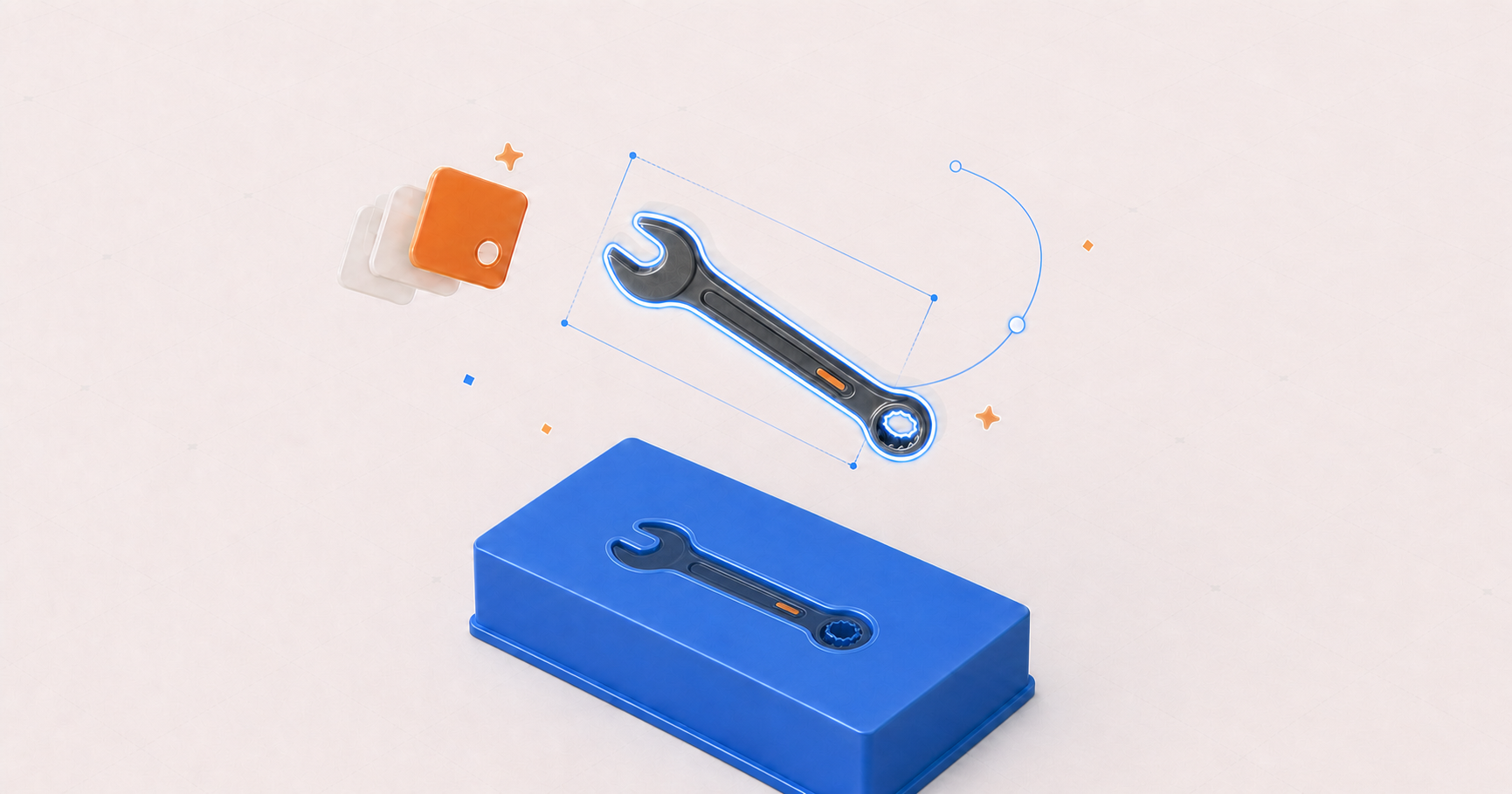
- Rotate Cutouts in 3DSelect a cutout in the 3D project and turn it with 90° buttons or a degree control. The orientation is saved on the object and used for the preview and the STL.
⚡ Improvements
- Simple Bin SidebarThe Simple Bins workbench now uses the same tabbed configuration panel as baseplates and cutout projects: Layout and Options tabs, and only grid size, wall, lip, and magnets.
- App SidebarThe signed-in app now uses a collapsible sidebar of your recent projects, newest first, with a Show more link when the list is long, a new-project button, and the account menu in the footer. A slash breadcrumb sits above the tracing and 3D workbenches, which sit on a dotted surface.